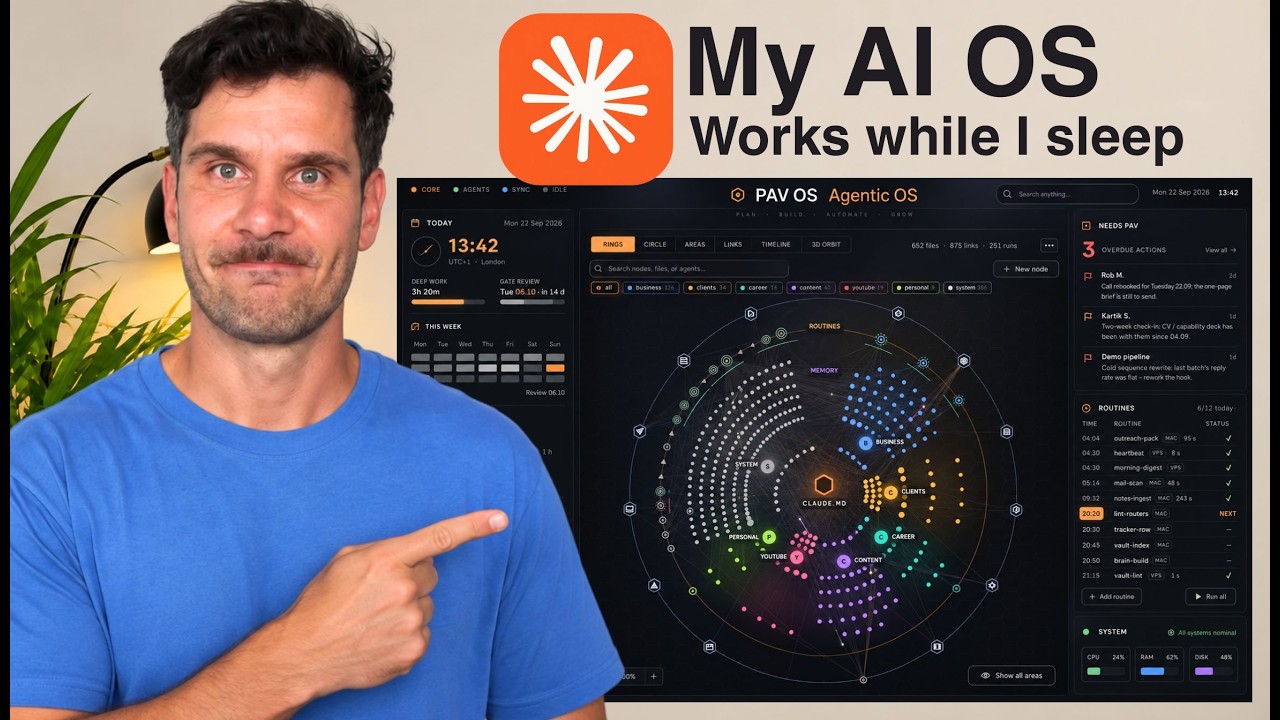
A walkthrough of the open-source multiplayer AI agent harness YC just released (called QM in the video), covering how it splits memory across user, Slack channel, and project scopes, what the user workspace gives you (shared files, cron jobs, a keychain for sharing credentials without exposing keys, a deployed-applications tab), and what the admin dashboard adds: session history, a judgments tab, usage metrics, governance boundaries, and an audit log.
Miguel Torrez11 minTranscript found
Quick learning frame
Read this before watching.
Coding-agent workflow is the loop of inspect, route, plan, edit, verify, summarize, and decide what should be automated next.
New playlist item from Miguel Torrez; queued for transcript-backed review, topic mapping, and a practical learning artifact.
Skill you build: The ability to evaluate a team AI agent platform on the dimensions that actually matter for shared use: memory scoping, credential handling, permission boundaries, and auditability, rather than just chat quality.
Watch for the shift from claim to mechanism. The learning value is the point where the transcript reveals a repeatable action, tool boundary, context move, review habit, or artifact.
Concept diagram
Where this video fits.
01Inspect context
02Route tool
03Plan work
04Edit safely
05Verify behavior
06Report next step
Deep lesson
Turn this video into working knowledge.
2,096 cleaned transcript words reviewed across 620 timed caption segments.
Thesis
YC Just Open-Sourced Its Multiplayer AI Agent teaches a practical coding-agent workflow move: A walkthrough of the open-source multiplayer AI agent harness YC just released (called QM in the video), covering how it splits memory across user, Slack channel, and project scopes, what the user workspace gives you (shared files, cron jobs, a keychain for sharing credentials without exposing keys, a deployed-applications tab), and what the admin dashboard adds: session history, a judgments tab, usage metrics, governance boundaries, and an audit log.
The goal is not to remember the video. The goal is to extract the operating principle, tie it to timestamped evidence, test how far the claim transfers, and make something reusable.
0:44
Multiplayer by design
“a couple of nicer features, so everything that you would expect, automations with cron jobs, skills, memory, etc. Everything will be available in the GitHub repo that I'm going to be sharing with you. Everything is open source,...”
Unlike single-user harnesses, this one is built for teams: it runs in a web app and natively in Slack at the same time, behaving more like a control room than a chat agent, and it maintains separate memories for you, for the Slack channel it is working in, and for the project, with projects being either personal or shared so each scope gets its own brain of memory, files, and skills. Write down the three memory scopes (user, channel, project) and for each, list one piece of context your own team would want stored there and one piece that must never leak into it.
3:36
Keychain over pasted keys
“for you. So, you can actually use your OpenAI subscription like you do with Hermes or Open Claude. If not, you actually have to use API keys for this. That means that using this with open source models...”
The user workspace covers files with per-item choice of private or team-shared, cron jobs equivalent to scheduled tasks elsewhere, memory, and skills, but the standout is the keychain: it lets teammates share credentials without ever exposing the key itself, directly fixing the common bad practice of pasting API keys into chat. There is also an applications tab holding whatever teammates deployed, so nobody is chasing repo links or checking whether a link still works. Audit your own team chat for the last month and count how many secrets were pasted in plaintext, then write the one-paragraph policy a keychain-style feature would let you enforce instead.
8:07
Governance and audit built in
“actually have to respect whenever you're actually working with this type of AI agents. So, coding agents such as now Hermes, Open Cloak, etc. You have all of the model permissions, you have all of the credentials, and...”
The admin dashboard is where the multiplayer story is enforced: metrics for how many people use it, total tokens, and response latency; a judgments tab that surfaces not only what agents did but the explanations for why they did it; and a governance tab holding model permissions, credentials, and data boundaries so that scopes match who is allowed to see what, plus an audit view of every event and tool call run by members. Pick one agent action your team would run daily and write the audit record you would need to review it after the fact: who triggered it, which model and credentials it used, which tools it called, and the stated reason.
01
Inspect context
Start with this video's job: A walkthrough of the open-source multiplayer AI agent harness YC just released (called QM in the video), covering how it splits memory across user, Slack channel, and project scopes, what the user workspace gives you (shared files, cron jobs, a keychain for sharing credentials without exposing keys, a deployed-applications tab), and what the admin dashboard adds: session history, a judgments tab, usage metrics, governance boundaries, and an audit log. Treat "Inspect context" as the outcome you are trying to make visible, not a topic label. Anchor it to 0:44, where the video says: “a couple of nicer features, so everything that you would expect, automations with cron jobs, skills, memory, etc. Everything will be available in the GitHub repo that I'm going to be sharing with you. Everything is open source,...”
02
Route tool
Use "Route tool" to locate the part of the coding-agent workflow mechanism the video is demonstrating. Ask what changes in your real setup if this claim is true. Anchor it to 3:36, where the video says: “for you. So, you can actually use your OpenAI subscription like you do with Hermes or Open Claude. If not, you actually have to use API keys for this. That means that using this with open source models...”
03
Plan work
Turn "Plan work" into the reusable artifact for this lesson: A coding-agent routing and execution matrix with context needed, tool choice, verification, and done signal. This is where watching becomes something you can inspect and reuse.
04
Edit safely
Use "Edit safely" as the application surface. Decide whether the idea touches a browser flow, a local file, a model choice, a source document, a UI, or a review step.
05
Verify behavior
Use "Verify behavior" to prove the lesson. The evidence should connect back to the video title, transcript anchors, and a concrete output, not a generic best-practice claim.
06
Report next step
Use "Report next step" to carry the idea forward: save the prompt, checklist, diagram, or operating rule that would make the next agent run better.
Example
Source-backed artifact packet
Convert the video into a scoped artifact request that includes the transcript claim, mechanism, acceptance criteria, and proof. The output should be a coding-agent routing and execution matrix with context needed, tool choice, verification, and done signal..
Example
Coding-agent workflow proof brief
Separate what the speaker claims, what the demo actually proves, and what still needs outside verification before you adopt the coding-agent workflow pattern.
Example
Teach-back module
Transform the lesson into a definition, a Inspect context -> Route tool -> Plan work -> Edit safely -> Verify behavior -> Report next step diagram, one misconception, one practice exercise, and a check-for-understanding question.
Do not learn it wrong
Treating the title as the lesson without checking what the transcript actually says.
choosing tools by hype
losing context across agents
letting parallel sessions become invisible
Letting the lesson drift into generic Codex vs Claude comparison.
Letting the lesson drift into feature lists without task routing.
Letting the lesson drift into claims that ignore limits or recovery.
Do not count this as learned until these are true.
01
State the transcript-backed claim in your own words: A walkthrough of the open-source multiplayer AI agent harness YC just released (called QM in the video), covering how it splits memory across user, Slack channel, and project scopes, what the user workspace gives you (shared files, cron jobs, a keychain for sharing credentials without exposing keys, a deployed-applications tab), and what the admin dashboard adds: session history, a judgments tab, usage metrics, governance boundaries, and an audit log.
02
Explain the practical stakes without hype: New playlist item from Miguel Torrez; queued for transcript-backed review, topic mapping, and a practical learning artifact.
03
Map the idea onto the Inspect context -> Route tool -> Plan work -> Edit safely -> Verify behavior -> Report next step sequence and name the weakest link.
04
Produce the artifact and include the evidence that proves it: A coding-agent routing and execution matrix with context needed, tool choice, verification, and done signal.
Put it into practice
Give this grounded prompt to Codex or Claude after watching.
You are helping me turn one specific YouTube video into real, durable learning.

Source video:
- Title: YC Just Open-Sourced Its Multiplayer AI Agent
- URL: https://www.youtube.com/watch?v=_yOcv_zww4c
- Topic: Creative Automation
- My current learning frame: Clone the repo and stand up a local instance (you will need to work around the immediate Slack access prompt and supply API keys, since subscription auth is not wired up), then create one shared project and one personal project and test whether files, memory, and skills stay in their intended scope.
- Why this matters: New playlist item from Miguel Torrez; queued for transcript-backed review, topic mapping, and a practical learning artifact.

Transcript anchors from this exact video:
- 0:44 / Evidence 1: "a couple of nicer features, so everything that you would expect, automations with cron jobs, skills, memory, etc. Everything will be available in the GitHub repo that I'm going to be sharing with you. Everything is open source,..."
- 3:36 / Evidence 2: "for you. So, you can actually use your OpenAI subscription like you do with Hermes or Open Claude. If not, you actually have to use API keys for this. That means that using this with open source models..."
- 5:39 / Evidence 3: "running a lot of AI agents inside of your organization, it's very hard to keep track of not what is being done, but also why it was Now, the judgment tabs gives you that exact same visual that..."
- 8:07 / Evidence 4: "actually have to respect whenever you're actually working with this type of AI agents. So, coding agents such as now Hermes, Open Cloak, etc. You have all of the model permissions, you have all of the credentials, and..."
- 10:20 / Evidence 5: "below. You can literally just give it to your coding agent and say, "Hey, please run this QM instance for me." Uh it actually does need a few changes to be able to be run locally, mainly because..."

Video-aware target:
- Prompt lane: Coding-agent workflow
- Mechanism to extract: Find the workflow rule that explains when and how to use Codex, Claude Code, browser control, dashboards, or manual review.
- Artifact to produce: A coding-agent routing and execution matrix with context needed, tool choice, verification, and done signal.
- Artifact must include: task class; agent/tool choice; context packet; verification step; handoff/recovery rule

Your task:
1. Use the transcript anchors above as the primary source packet. If you add outside context, label it clearly as outside context and keep it secondary.
2. Create a source-check table with columns: timestamp, claim, transcript support, what the demo proves, confidence, and what still needs verification.
3. Extract the actual teachable mechanism from the video: Find the workflow rule that explains when and how to use Codex, Claude Code, browser control, dashboards, or manual review. Do not invent claims that are not supported by the title, lesson frame, or transcript anchors.
4. Build a reusable learning artifact: A coding-agent routing and execution matrix with context needed, tool choice, verification, and done signal.
5. Include:
   - a plain-English definition of the core idea
   - a diagram or structured model using this sequence: Inspect context -> Route tool -> Plan work -> Edit safely -> Verify behavior -> Report next step
   - answers to these source questions: What workflow pain is being solved? | What exact coordination mechanism is shown? | What evidence proves it changes the work?
   - 3 concrete examples that apply the video idea to real agentic work, such as rate-limit routing; browser verification after a UI edit; long-running /goal session review
   - 2 failure modes the video helps prevent, chosen from the transcript evidence and these likely risks: choosing tools by hype; losing context across agents; letting parallel sessions become invisible
   - a checklist for the next real workflow, focused on: routing decision, context portability, verification, handoff summary
   - one practical exercise with a clear done signal: Route three recent tasks across Codex, Claude, browser checks, and manual review with a reason for each.
6. Add a "learning transfer" section: what changes in my workflow tomorrow if I actually learned this?
7. Add a "source check" section that cites which transcript anchor supports each major takeaway.

Quality bar:
- Make this specific to "YC Just Open-Sourced Its Multiplayer AI Agent", not a generic Creative Automation essay.
- Each workflow rule must point to a timestamped claim or demo moment, then state what remains unproven.
- Prefer operational examples, failure modes, and reusable artifacts over broad definitions.
- Call out uncertainty instead of smoothing over weak evidence.
- Avoid these generic drifts: generic Codex vs Claude comparison; feature lists without task routing; claims that ignore limits or recovery.
- If evidence is weak or missing, stop and say what transcript segment or timestamp needs review instead of guessing.
- Finish with a concise artifact I could paste into my learning app.
Misconceptions
What to stop believing.
Creative AI removes the need for taste.
It increases the need for taste because output volume explodes.
The best prompt is enough.
References, critique, iteration, and post-production matter just as much.
Practice studio
Learning only counts when you make something.
01
Transcript evidence map
Separate what the video actually says from what you already believe about the topic.
3 source-backed takeaways with timestamps, confidence, and a transfer note.02
One useful artifact
Apply the video to a real workflow and produce a coding-agent routing and execution matrix with context needed, tool choice, verification, and done signal..
A reusable artifact with a done signal and one verification step.03
Coding-agent workflow teach-back card
Explain the coding-agent workflow mechanism to someone who has not watched the video yet.
A 90-second explanation, one diagram, one example, and one misconception to avoid.
Recall check
Answer first, then reveal — without rewatching.
What are the three separate memory scopes this agent maintains?
What problem does the keychain feature solve, and how?
What does the judgments tab in the admin dashboard show that a plain activity log does not?
Source shelf
Use the video as a doorway, then verify with primary sources.