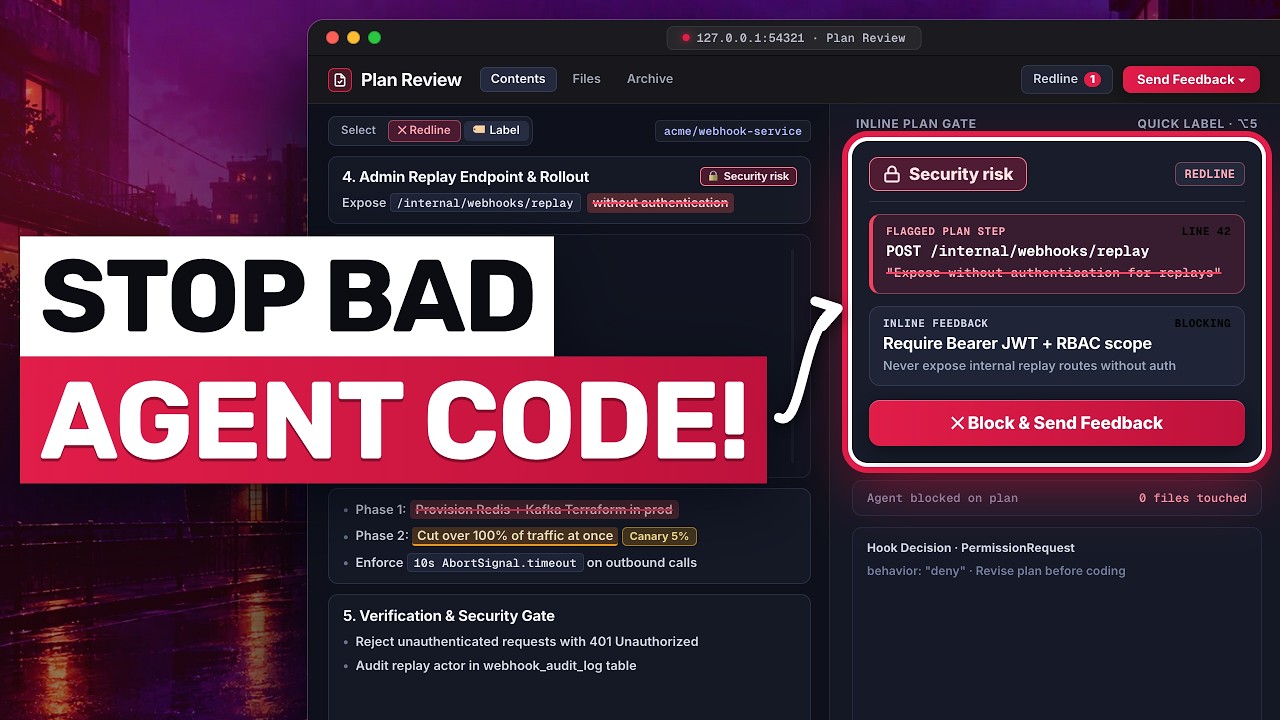
This review explains why Herdr's native desktop app replaced its TUI in a terminal-first workflow. The app combines a Rust shell over Herdr Core with persistent remote-machine connections, JavaScript mods, tmux-style keybindings, a libghostty-powered terminal, and agent-aware customization.
typecraft13 minTranscript found
Quick learning frame
Read this before watching.
AI-native interfaces are control surfaces for intent, artifacts, context, preview, inspection, and iteration.
New playlist item from typecraft; queued for transcript-backed review, topic mapping, and a practical learning artifact.
Skill you build: The ability to evaluate and configure a native desktop workspace that preserves terminal speed while coordinating coding agents across multiple machines.
Watch for the shift from claim to mechanism. The learning value is the point where the transcript reveals a repeatable action, tool boundary, context move, review habit, or artifact.
Concept diagram
Where this video fits.
01Intent
02Context
03Generation surface
04Preview
05Critique
06Implementation handoff
Deep lesson
Turn this video into working knowledge.
2,716 cleaned transcript words reviewed across 732 timed caption segments.
Thesis
I LOVE the herdr desktop app teaches a practical ai interface control move: This review explains why Herdr's native desktop app replaced its TUI in a terminal-first workflow. The app combines a Rust shell over Herdr Core with persistent remote-machine connections, JavaScript mods, tmux-style keybindings, a libghostty-powered terminal, and agent-aware customization.
The goal is not to remember the video. The goal is to extract the operating principle, tie it to timestamped evidence, test how far the claim transfers, and make something reusable.
0:00
GUI Without Compromise
“One of my favorite tools that I've been using lately all the time is Herder. Herder is an amazing TUI. I mean, it's basically like T-Mox, but it uses agents as a first class citizen. We can see...”
Although graphical interfaces can conflict with a terminal user's fast, home-row workflow, Herdr Desktop preserves the useful TUI behaviors while adding a polished native shell. Its deep customization is what convinced the reviewer to replace the Herdr TUI rather than merely run both. List the three terminal-workflow behaviors a desktop interface would need to preserve before you would consider switching from a TUI.
5:26
Connect Every Machine
“up here. And we have, if we launch something like Claude, a little agents pane on the bottom left here that will show off the agents that are currently running or idle or blocked or whatever. But as...”
Herdr Core supplies the API and CLI on each machine, while the Rust desktop app connects to those Core instances and builds its interface from JavaScript mods. Remote connections and spaces persist after restarts, and agents from multiple machines appear together, supporting the reviewer's stated goal of eventually using his laptop more like a thin client for his home lab. Sketch the desktop app connected to Herdr Core on two machines, then label which connections and spaces persist and where agents from both machines appear.
11:07
Keep Terminal Muscle
“like an Age of Empires type game. I saw someone change the agents pane to look like a a dungeon where all their agents live in. It's really fun. Now, there's an aesthetic that I like to go...”
The app's keys.json can reproduce a tmux-style leader key and actions for splitting panes, switching workspaces, and toggling file or change views. Its terminal is powered by libghostty, so terminal programs behave as expected and remain first-class rather than feeling embedded as an afterthought. Define a leader key and map five familiar terminal actions to Herdr commands, including horizontal and vertical splits and forward and backward workspace navigation.
01
Intent
Start with this video's job: This review explains why Herdr's native desktop app replaced its TUI in a terminal-first workflow. The app combines a Rust shell over Herdr Core with persistent remote-machine connections, JavaScript mods, tmux-style keybindings, a libghostty-powered terminal, and agent-aware customization. Treat "Intent" as the outcome you are trying to make visible, not a topic label. Anchor it to 0:00, where the video says: “One of my favorite tools that I've been using lately all the time is Herder. Herder is an amazing TUI. I mean, it's basically like T-Mox, but it uses agents as a first class citizen. We can see...”
02
Context
Use "Context" to locate the part of the ai interface control mechanism the video is demonstrating. Ask what changes in your real setup if this claim is true. Anchor it to 5:26, where the video says: “up here. And we have, if we launch something like Claude, a little agents pane on the bottom left here that will show off the agents that are currently running or idle or blocked or whatever. But as...”
03
Generation surface
Turn "Generation surface" into the reusable artifact for this lesson: A UI control-surface critique sheet with context inputs, artifact visibility, review criteria, and implementation handoff. This is where watching becomes something you can inspect and reuse.
04
Preview
Use "Preview" as the application surface. Decide whether the idea touches a browser flow, a local file, a model choice, a source document, a UI, or a review step.
05
Critique
Use "Critique" to prove the lesson. The evidence should connect back to the video title, transcript anchors, and a concrete output, not a generic best-practice claim.
06
Implementation handoff
Use "Implementation handoff" to carry the idea forward: save the prompt, checklist, diagram, or operating rule that would make the next agent run better.
Example
Source-backed artifact packet
Convert the video into a scoped artifact request that includes the transcript claim, mechanism, acceptance criteria, and proof. The output should be a ui control-surface critique sheet with context inputs, artifact visibility, review criteria, and implementation handoff..
Example
AI interface control proof brief
Separate what the speaker claims, what the demo actually proves, and what still needs outside verification before you adopt the ai interface control pattern.
Example
Teach-back module
Transform the lesson into a definition, a Intent -> Context -> Generation surface -> Preview -> Critique -> Implementation handoff diagram, one misconception, one practice exercise, and a check-for-understanding question.
Do not learn it wrong
Treating the title as the lesson without checking what the transcript actually says.
generic UI inspiration
visual output with no critique
handoff that lacks implementation criteria
Letting the lesson drift into generic design tips.
Letting the lesson drift into visual hype without inspection.
Letting the lesson drift into screenshots without implementation criteria.
Do not count this as learned until these are true.
01
State the transcript-backed claim in your own words: This review explains why Herdr's native desktop app replaced its TUI in a terminal-first workflow. The app combines a Rust shell over Herdr Core with persistent remote-machine connections, JavaScript mods, tmux-style keybindings, a libghostty-powered terminal, and agent-aware customization.
02
Explain the practical stakes without hype: New playlist item from typecraft; queued for transcript-backed review, topic mapping, and a practical learning artifact.
03
Map the idea onto the Intent -> Context -> Generation surface -> Preview -> Critique -> Implementation handoff sequence and name the weakest link.
04
Produce the artifact and include the evidence that proves it: A UI control-surface critique sheet with context inputs, artifact visibility, review criteria, and implementation handoff.
Put it into practice
Give this grounded prompt to Codex or Claude after watching.
You are helping me turn one specific YouTube video into real, durable learning.

Source video:
- Title: I LOVE the herdr desktop app
- URL: https://www.youtube.com/watch?v=bBsNFZ1-HUs
- Topic: Interfaces + Open Design
- My current learning frame: Configure a Herdr Desktop workspace with one persistent remote-machine connection, five tmux-style keybindings, and an agent-pane mod that distinguishes working, idle, and blocked states.
- Why this matters: New playlist item from typecraft; queued for transcript-backed review, topic mapping, and a practical learning artifact.

Transcript anchors from this exact video:
- 0:00 / Evidence 1: "One of my favorite tools that I've been using lately all the time is Herder. Herder is an amazing TUI. I mean, it's basically like T-Mox, but it uses agents as a first class citizen. We can see..."
- 2:41 / Evidence 2: "repos, the CI can really slow you down. And that's where warp build comes in. Wart built is fast CI for humans and agents. They offer GitHub actions runners that are two times as fast at half the..."
- 5:26 / Evidence 3: "up here. And we have, if we launch something like Claude, a little agents pane on the bottom left here that will show off the agents that are currently running or idle or blocked or whatever. But as..."
- 7:00 / Evidence 4: "app to talk to them through connecting to Herder Core. This is a very flexible way that Herder has now detached the idea of a guey app from actually connecting to different machines on your network. It's a..."
- 8:41 / Evidence 5: "of the keybinds and everything else, I want to talk about something else that I find very interesting with the new Herder app. That is the terminal you see right here. Actually, wait, let me toggle that side..."
- 11:07 / Evidence 6: "like an Age of Empires type game. I saw someone change the agents pane to look like a a dungeon where all their agents live in. It's really fun. Now, there's an aesthetic that I like to go..."

Video-aware target:
- Prompt lane: AI interface control
- Mechanism to extract: Extract how the interface gives the user control over context, visual quality, generated artifacts, and handoff.
- Artifact to produce: A UI control-surface critique sheet with context inputs, artifact visibility, review criteria, and implementation handoff.
- Artifact must include: context input; visual target; preview/review step; implementation handoff; quality rubric

Your task:
1. Use the transcript anchors above as the primary source packet. If you add outside context, label it clearly as outside context and keep it secondary.
2. Create a source-check table with columns: timestamp, claim, transcript support, what the demo proves, confidence, and what still needs verification.
3. Extract the actual teachable mechanism from the video: Extract how the interface gives the user control over context, visual quality, generated artifacts, and handoff. Do not invent claims that are not supported by the title, lesson frame, or transcript anchors.
4. Build a reusable learning artifact: A UI control-surface critique sheet with context inputs, artifact visibility, review criteria, and implementation handoff.
5. Include:
   - a plain-English definition of the core idea
   - a diagram or structured model using this sequence: Intent -> Context -> Generation surface -> Preview -> Critique -> Implementation handoff
   - answers to these source questions: What does the interface let the user control? | What artifact becomes visible? | What critique or handoff step closes the loop?
   - 3 concrete examples that apply the video idea to real agentic work, such as design.md handoff; Figma-to-code review; UI reference library translation
   - 2 failure modes the video helps prevent, chosen from the transcript evidence and these likely risks: generic UI inspiration; visual output with no critique; handoff that lacks implementation criteria
   - a checklist for the next real workflow, focused on: context, preview, artifact visibility, critique, handoff
   - one practical exercise with a clear done signal: Turn one UI demo into a design-review checklist for a real product screen.
6. Add a "learning transfer" section: what changes in my workflow tomorrow if I actually learned this?
7. Add a "source check" section that cites which transcript anchor supports each major takeaway.

Quality bar:
- Make this specific to "I LOVE the herdr desktop app", not a generic Interfaces + Open Design essay.
- Cite transcript anchors for every claim about design context, UI generation, preview, critique, or handoff.
- Prefer operational examples, failure modes, and reusable artifacts over broad definitions.
- Call out uncertainty instead of smoothing over weak evidence.
- Avoid these generic drifts: generic design tips; visual hype without inspection; screenshots without implementation criteria.
- If evidence is weak or missing, stop and say what transcript segment or timestamp needs review instead of guessing.
- Finish with a concise artifact I could paste into my learning app.
Misconceptions
What to stop believing.
A beautiful page is automatically a good learning tool.
Learning requires sequence, active recall, feedback, and application.
Generated UI should be accepted as-is.
Generated UI needs critique, revision, and browser verification.
Practice studio
Learning only counts when you make something.
01
Transcript evidence map
Separate what the video actually says from what you already believe about the topic.
3 source-backed takeaways with timestamps, confidence, and a transfer note.02
One useful artifact
Apply the video to a real workflow and produce a ui control-surface critique sheet with context inputs, artifact visibility, review criteria, and implementation handoff..
A reusable artifact with a done signal and one verification step.03
AI interface control teach-back card
Explain the ai interface control mechanism to someone who has not watched the video yet.
A 90-second explanation, one diagram, one example, and one misconception to avoid.
Recall check
Answer first, then reveal — without rewatching.
Why did the reviewer switch from Herdr's TUI to its desktop app?
How does Herdr Desktop combine agents from multiple machines in one persistent workspace?
What lets Herdr Desktop preserve a tmux-like terminal workflow?
Source shelf
Use the video as a doorway, then verify with primary sources.