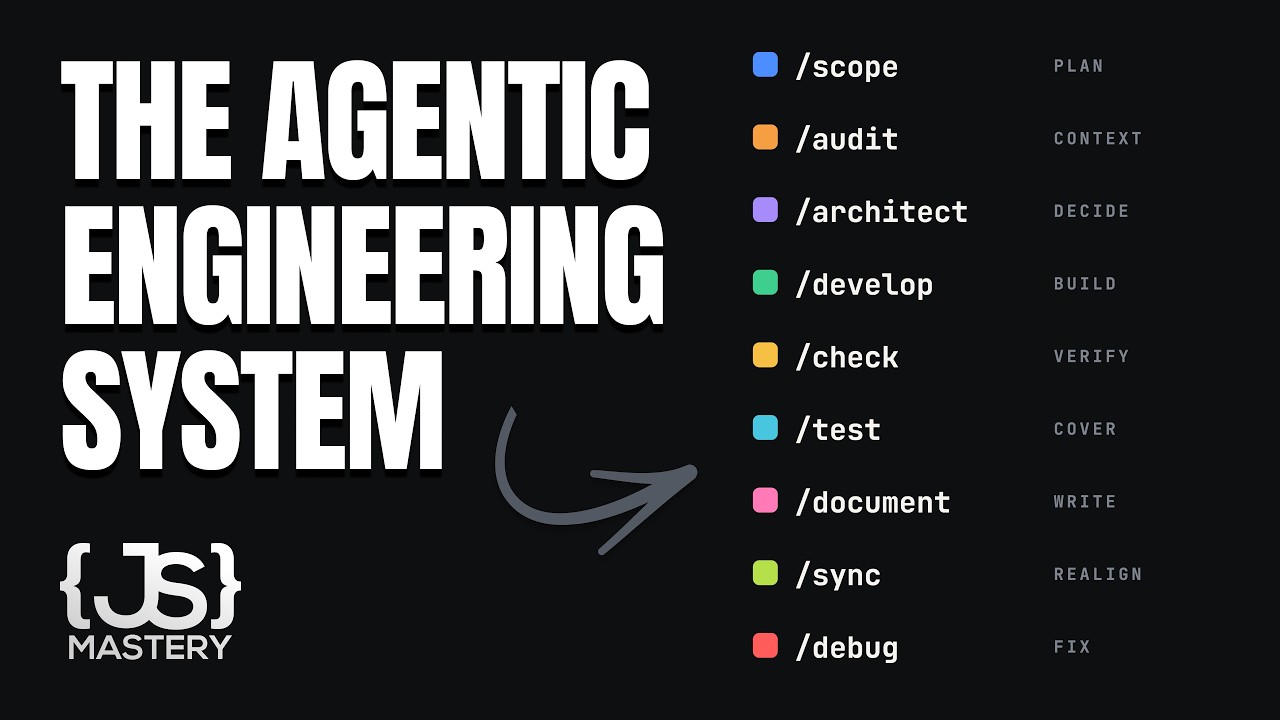
I updated the Claude skills that are saving me hundreds (skills and prompts in description)
This video walks through a Claude-skills AI video workflow, showing how volumetric depth (atmospheric haze), gray-not-white character backgrounds, and ordered reference-image tagging in Seed Dance produce footage that looks photographed instead of plastic and pasted-on.
JOEYWatchTranscript found
Quick learning frame
Read this before watching.
AI strategy chooses where agents create durable leverage, then manages scope, adoption, risk, and measurable outcomes.
New playlist item from JOEY; queued for transcript-backed review, topic mapping, and a practical learning artifact.
Skill you build: Building realistic AI video scenes by controlling lighting depth, character reference setup, and a disciplined Claude-to-Seed-Dance prompting pipeline, then finishing the result in a real edit bay.
Watch for the shift from claim to mechanism. The learning value is the point where the transcript reveals a repeatable action, tool boundary, context move, review habit, or artifact.
Concept diagram
Where this video fits.
01Use case
02Workflow pain
03Agent role
04Adoption path
05Risk
06Metric
07Pilot
Deep lesson
Turn this video into working knowledge.
3,635 cleaned transcript words reviewed across 989 timed caption segments.
Thesis
I updated the Claude skills that are saving me hundreds (skills and prompts in description) teaches a practical ai strategy move: This video walks through a Claude-skills AI video workflow, showing how volumetric depth (atmospheric haze), gray-not-white character backgrounds, and ordered reference-image tagging in Seed Dance produce footage that looks photographed instead of plastic and pasted-on.
The goal is not to remember the video. The goal is to extract the operating principle, tie it to timestamped evidence, test how far the claim transfers, and make something reusable.
0:23
Workflow honesty framing
“>> 10,000? >> I was about to >> Yeah. Yeah. He's going to share all about how to use these new skills to prompt us how he even stepped into this studio. What? Like he didn't leave the...”
The creator positions the whole video around giving deeper value than the prior one and admits AI video is genuinely hard to learn, setting an expectation that the skills shortcut the hard parts but do not remove the human effort. Before downloading the skills, write down what 'the hard parts' actually are for you so you can judge which steps the skills remove versus which you still must master.
7:12
Volumetric depth over sharpness
“a character that I started building, but I built it on a white background. So, we're going to bring this into Claude. We're going to say, let's rebuild this character reference sheet with our new updated skills. It's...”
Cinema realism comes from light grabbing onto haze in the air (volumetric depth), not from a sharp subject; this is now baked into the skills so faces emerge from atmosphere instead of looking placed on top of a scene. Compare two of your own generations, one flat and one with atmospheric haze, and note how depth changes whether the character reads as photographed or pasted in.
16:06
The earned final 10%
“you build the scenes, you get the real depth, you get your prompts clean, your references are in order, you generate everything, upscale it, drop it onto the timeline, and you're at 70 70%. A pile of beautiful...”
Skills get any scene to roughly 70%; the jump to 90% is human craft in the edit bay (color grade, J-cuts, sound design, pacing, cutting good-but-off seconds), and the creator deliberately leaves the last 10% so the work stays visibly human-made. Take one finished AI generation and force yourself to cut 4 unnecessary seconds and add a color grade and one sound design pass, then assess how much closer to 90% it feels.
01
Use case
Start with this video's job: This video walks through a Claude-skills AI video workflow, showing how volumetric depth (atmospheric haze), gray-not-white character backgrounds, and ordered reference-image tagging in Seed Dance produce footage that looks photographed instead of plastic and pasted-on. Treat "Use case" as the outcome you are trying to make visible, not a topic label. Anchor it to 0:23, where the video says: “>> 10,000? >> I was about to >> Yeah. Yeah. He's going to share all about how to use these new skills to prompt us how he even stepped into this studio. What? Like he didn't leave the...”
02
Workflow pain
Use "Workflow pain" to locate the part of the ai strategy mechanism the video is demonstrating. Ask what changes in your real setup if this claim is true. Anchor it to 7:12, where the video says: “a character that I started building, but I built it on a white background. So, we're going to bring this into Claude. We're going to say, let's rebuild this character reference sheet with our new updated skills. It's...”
03
Agent role
Turn "Agent role" into the reusable artifact for this lesson: A one-page AI workflow decision memo with use case, leverage claim, risks, metric, and pilot plan. This is where watching becomes something you can inspect and reuse.
04
Adoption path
Use "Adoption path" as the application surface. Decide whether the idea touches a browser flow, a local file, a model choice, a source document, a UI, or a review step.
05
Risk
Use "Risk" to prove the lesson. The evidence should connect back to the video title, transcript anchors, and a concrete output, not a generic best-practice claim.
06
Metric
Use "Metric" to carry the idea forward: save the prompt, checklist, diagram, or operating rule that would make the next agent run better.
07
Pilot
Connect "Pilot" to I updated the Claude skills that are saving me hundreds (skills and prompts in description) by naming the claim, the evidence, and the artifact it should produce.
Example
Source-backed artifact packet
Convert the video into a scoped artifact request that includes the transcript claim, mechanism, acceptance criteria, and proof. The output should be a one-page ai workflow decision memo with use case, leverage claim, risks, metric, and pilot plan..
Example
AI strategy proof brief
Separate what the speaker claims, what the demo actually proves, and what still needs outside verification before you adopt the ai strategy pattern.
Example
Teach-back module
Transform the lesson into a definition, a Use case -> Workflow pain -> Agent role -> Adoption path -> Risk -> Metric -> Pilot diagram, one misconception, one practice exercise, and a check-for-understanding question.
Do not learn it wrong
Treating the title as the lesson without checking what the transcript actually says.
hype laundering
market claims without operational proof
strategy with no pilot
Letting the lesson drift into generic AI business advice.
Letting the lesson drift into unsupported market forecasts.
Letting the lesson drift into no-risk adoption plans.
Do not count this as learned until these are true.
01
State the transcript-backed claim in your own words: This video walks through a Claude-skills AI video workflow, showing how volumetric depth (atmospheric haze), gray-not-white character backgrounds, and ordered reference-image tagging in Seed Dance produce footage that looks photographed instead of plastic and pasted-on.
02
Explain the practical stakes without hype: New playlist item from JOEY; queued for transcript-backed review, topic mapping, and a practical learning artifact.
03
Map the idea onto the Use case -> Workflow pain -> Agent role -> Adoption path -> Risk -> Metric -> Pilot sequence and name the weakest link.
04
Produce the artifact and include the evidence that proves it: A one-page AI workflow decision memo with use case, leverage claim, risks, metric, and pilot plan.
Put it into practice
Give this grounded prompt to Codex or Claude after watching.
You are helping me turn one specific YouTube video into real, durable learning.

Source video:
- Title: I updated the Claude skills that are saving me hundreds (skills and prompts in description)
- URL: https://www.youtube.com/watch?v=4TXaAnittHs
- Topic: AI Strategy
- My current learning frame: Build one short two-character scene end to end: lock a character on a gray background, add atmospheric haze for volumetric depth, upload nine ordered reference images tagged image1-imageN into Seed Dance at 720p, then upscale and edit it past 70% toward a deliberate 90% finish.
- Why this matters: New playlist item from JOEY; queued for transcript-backed review, topic mapping, and a practical learning artifact.

Transcript anchors from this exact video:
- 0:23 / Evidence 1: ">> 10,000? >> I was about to >> Yeah. Yeah. He's going to share all about how to use these new skills to prompt us how he even stepped into this studio. What? Like he didn't leave the..."
- 4:12 / Evidence 2: "reference of me and the character so it knows what to build off of, camera angles, all of it. I tell it to keep the frame locked. I run the script through the skills, paste the prompt, generate..."
- 7:12 / Evidence 3: "a character that I started building, but I built it on a white background. So, we're going to bring this into Claude. We're going to say, let's rebuild this character reference sheet with our new updated skills. It's..."
- 9:46 / Evidence 4: "screenshots instead of full images because it's a lot easier and faster to send it to Claude. So, we're going to make an outfit swap. We're going to drop the two into claw for reference and it's going..."
- 11:58 / Evidence 5: "things like that. These are the small things that we don't really think about but we should. So now I'm building the scenes. Basically I'm just going to do a quick scene for you guys just to show..."
- 16:06 / Evidence 6: "you build the scenes, you get the real depth, you get your prompts clean, your references are in order, you generate everything, upscale it, drop it onto the timeline, and you're at 70 70%. A pile of beautiful..."
- 18:01 / Evidence 7: "that's the workflow. That's the update. That's me. I've got a lot to dive into still, and those videos will come a lot faster than this one. I just wanted to give you these skills quickly and in..."

Video-aware target:
- Prompt lane: AI strategy
- Mechanism to extract: Separate strategic signal from launch noise by identifying the workflow change and the evidence needed to trust it.
- Artifact to produce: A one-page AI workflow decision memo with use case, leverage claim, risks, metric, and pilot plan.
- Artifact must include: use case; workflow change; risk; metric; pilot scope

Your task:
1. Use the transcript anchors above as the primary source packet. If you add outside context, label it clearly as outside context and keep it secondary.
2. Create a source-check table with columns: timestamp, claim, transcript support, what the demo proves, confidence, and what still needs verification.
3. Extract the actual teachable mechanism from the video: Separate strategic signal from launch noise by identifying the workflow change and the evidence needed to trust it. Do not invent claims that are not supported by the title, lesson frame, or transcript anchors.
4. Build a reusable learning artifact: A one-page AI workflow decision memo with use case, leverage claim, risks, metric, and pilot plan.
5. Include:
   - a plain-English definition of the core idea
   - a diagram or structured model using this sequence: Use case -> Workflow pain -> Agent role -> Adoption path -> Risk -> Metric -> Pilot
   - answers to these source questions: What work changes? | Who benefits? | What evidence would make the claim decision-grade?
   - 3 concrete examples that apply the video idea to real agentic work, such as agent pilot memo; skill-library adoption plan; model-release triage note
   - 2 failure modes the video helps prevent, chosen from the transcript evidence and these likely risks: hype laundering; market claims without operational proof; strategy with no pilot
   - a checklist for the next real workflow, focused on: workflow, leverage, risk, metric, pilot
   - one practical exercise with a clear done signal: Convert one strategy claim into a two-week pilot with a measurable done signal.
6. Add a "learning transfer" section: what changes in my workflow tomorrow if I actually learned this?
7. Add a "source check" section that cites which transcript anchor supports each major takeaway.

Quality bar:
- Make this specific to "I updated the Claude skills that are saving me hundreds (skills and prompts in description)", not a generic AI Strategy essay.
- Tie each strategic claim to transcript anchors, then label any market/news context that is not proven by the video.
- Prefer operational examples, failure modes, and reusable artifacts over broad definitions.
- Call out uncertainty instead of smoothing over weak evidence.
- Avoid these generic drifts: generic AI business advice; unsupported market forecasts; no-risk adoption plans.
- If evidence is weak or missing, stop and say what transcript segment or timestamp needs review instead of guessing.
- Finish with a concise artifact I could paste into my learning app.
Misconceptions
What to stop believing.
Every new AI tool deserves a trial.
Every tool has integration cost. Start from workflow pain, not novelty.
If an agent can do it once, it is automated.
Automation means repeatable, monitored, recoverable, and reviewable.
Practice studio
Learning only counts when you make something.
01
Transcript evidence map
Separate what the video actually says from what you already believe about the topic.
3 source-backed takeaways with timestamps, confidence, and a transfer note.02
One useful artifact
Apply the video to a real workflow and produce a one-page ai workflow decision memo with use case, leverage claim, risks, metric, and pilot plan..
A reusable artifact with a done signal and one verification step.03
AI strategy teach-back card
Explain the ai strategy mechanism to someone who has not watched the video yet.
A 90-second explanation, one diagram, one example, and one misconception to avoid.
Recall check
Answer first, then reveal — without rewatching.
Why did the creator stop building character reference sheets on a white background, and what does he use instead?
What does 'volumetric depth' mean in his workflow, and why does he say it matters more than sharpness for realism?
In his 70-to-90 framing, what specifically gets a scene to ~70% versus the final 90%, and why does he deliberately stop at 90 rather than 100?
Source shelf
Use the video as a doorway, then verify with primary sources.